
Recorte – Sample Editor
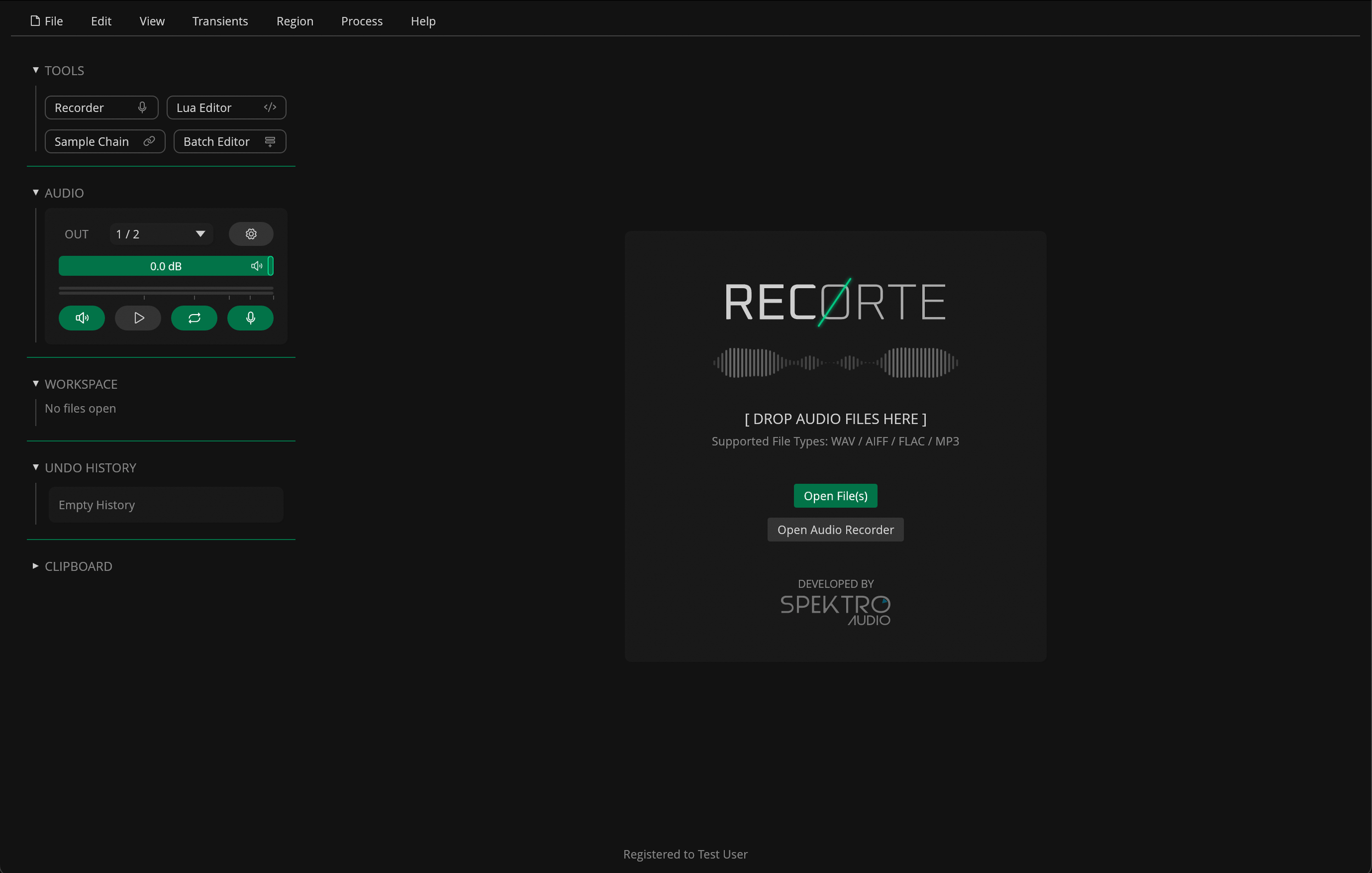
Recorte is a standalone audio editor designed for sample creation.
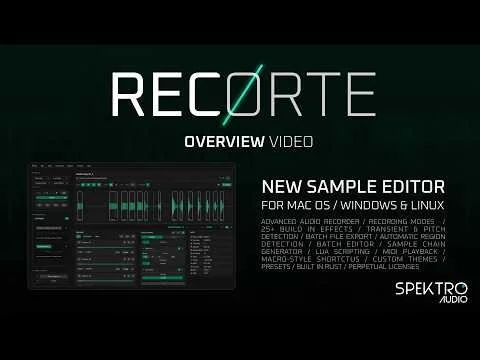
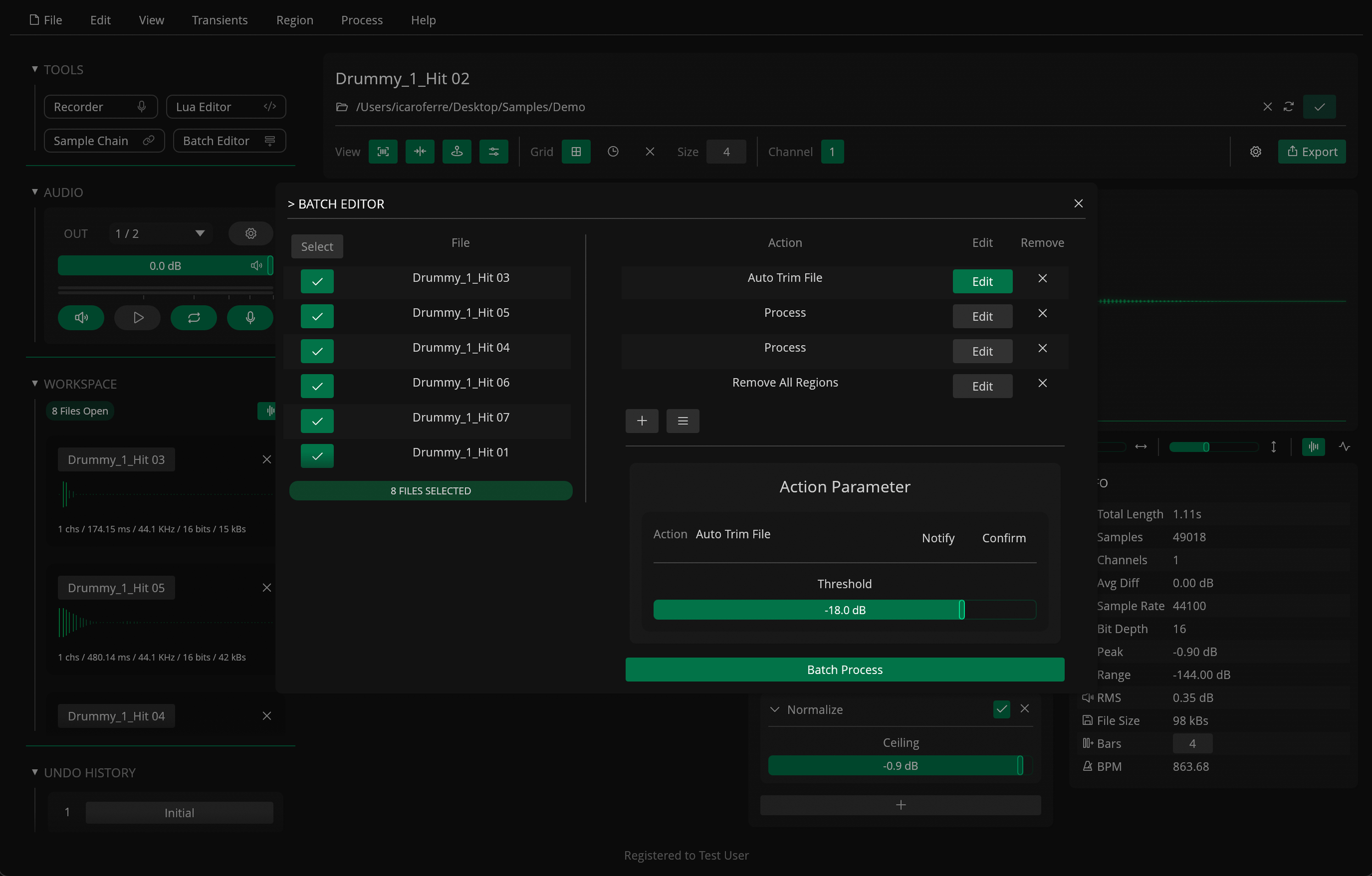
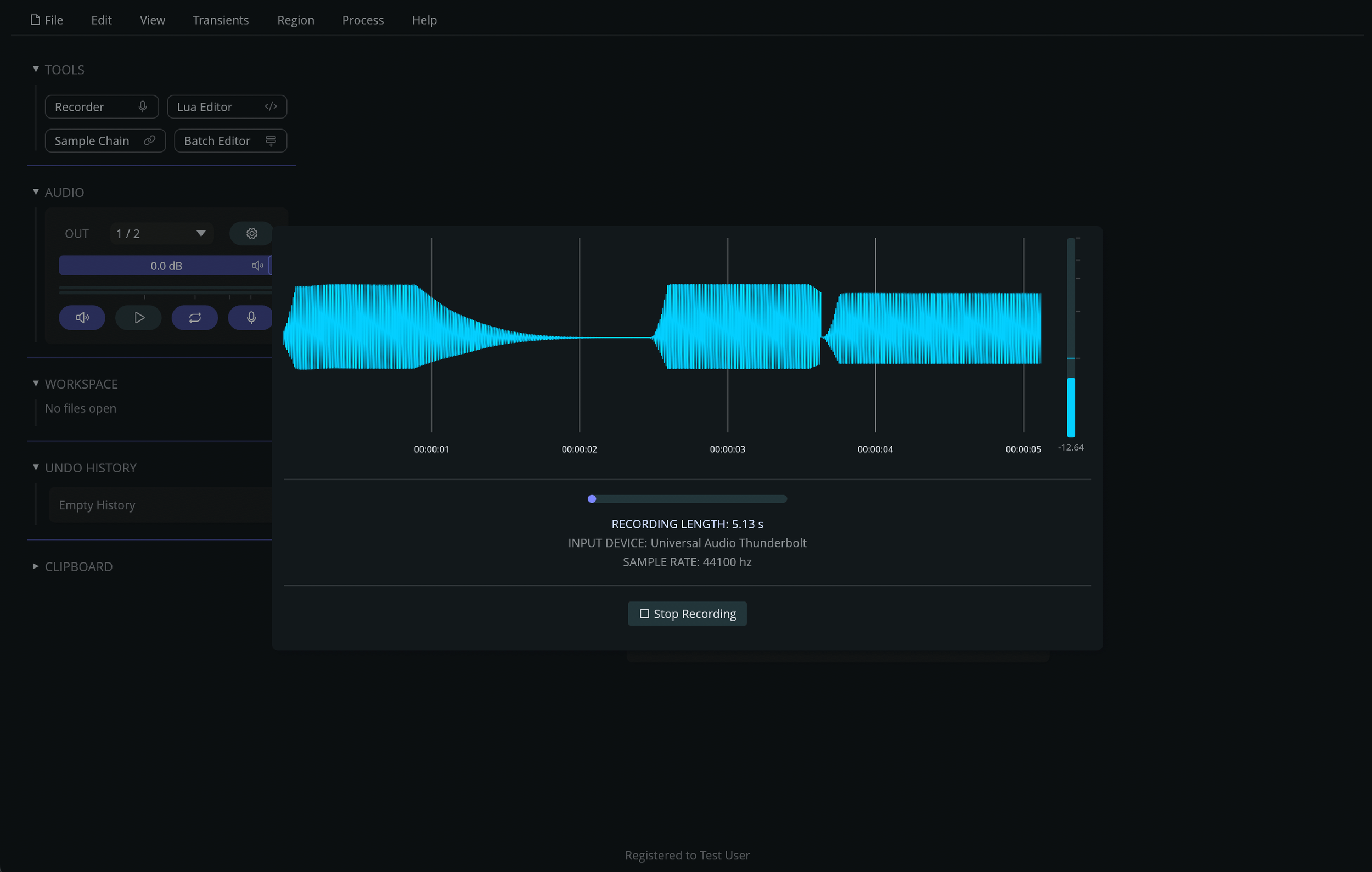
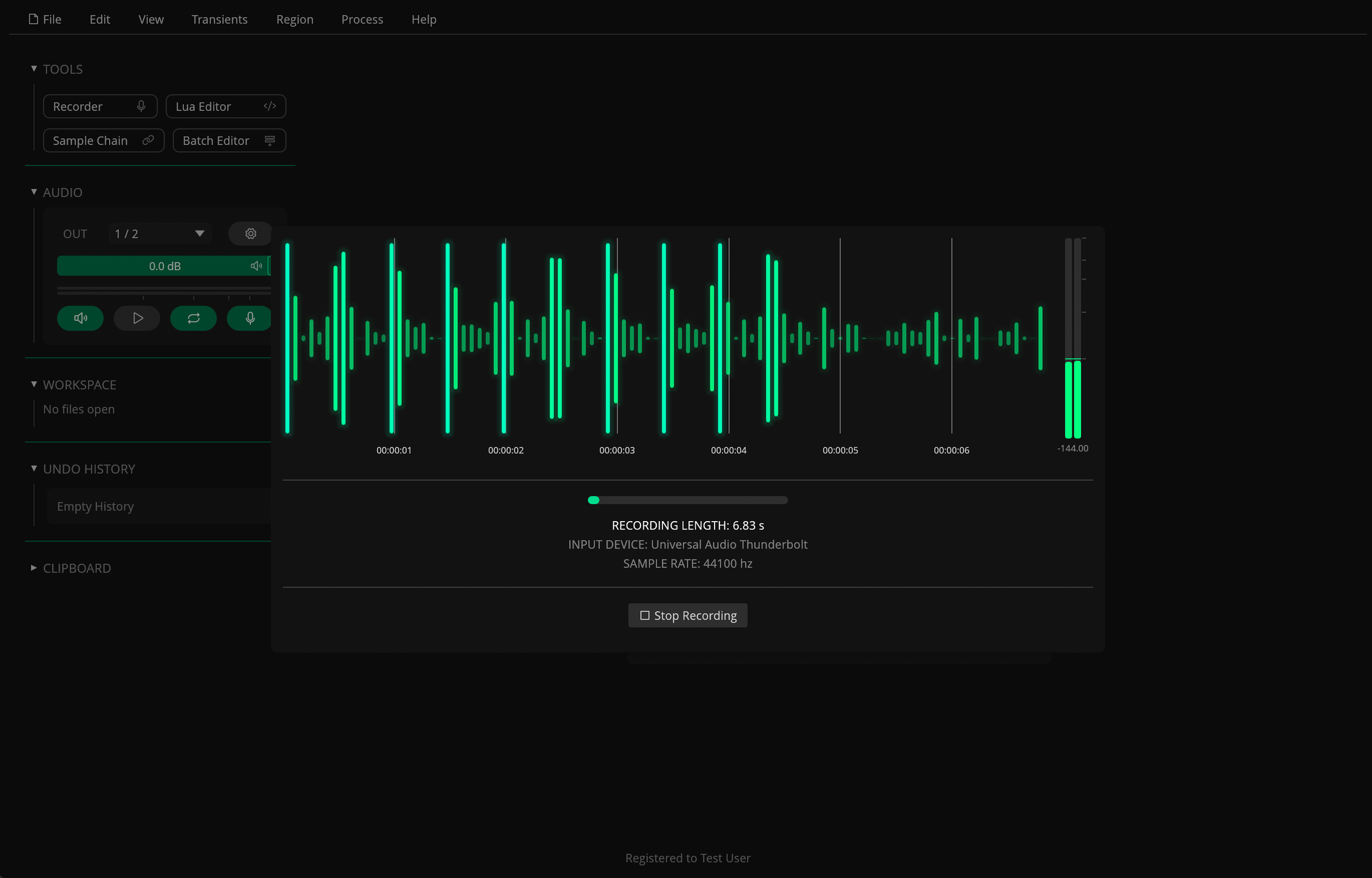
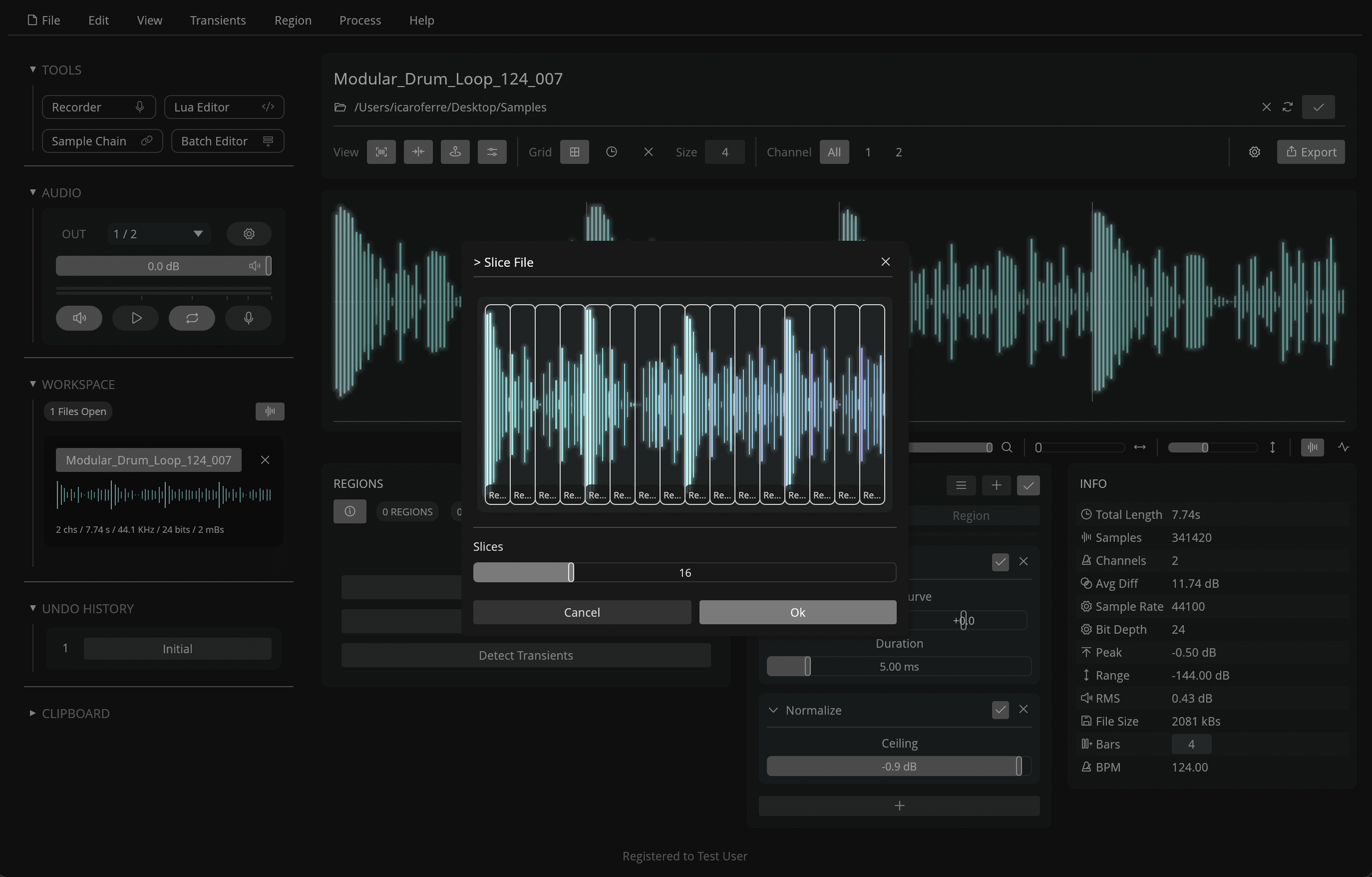
It includes features specifically built for recording, editing, processing and exporting samples, such as: an advanced audio recorder with multiple recording modes and options, automatic region detection, transient and grid-based slicing, batch region renaming, 25+ built-in effects with global and per-region effect chains, MIDI playback, and additional tools like the sample chain generator, a batch editor, and integrated Lua scripting.
You can use it during pre-production to record, slice, process and trim audio files, sample MIDI instruments, extract loops, and prepare files to be used in your favorite hardware sampler or DAW.
Built for efficiency and ease of use, the app is optimized for a fast, lightweight experience, with low resource usage, a smooth and responsive UI, and multiple ways to interact with its features.
You can also customize to your own workflow with macro-style keyboard shortcuts, 15+ built-in themes with a theme editor, default settings, JSON-based presets, and more.
Recorte is available for macOS (Silicon & Intel), Windows (x64) and Linux.
Current Version: 1.0.1
User Manual: https://recorte.spektroaudio.com
Price: U$49.99 (Cross-Platform License)
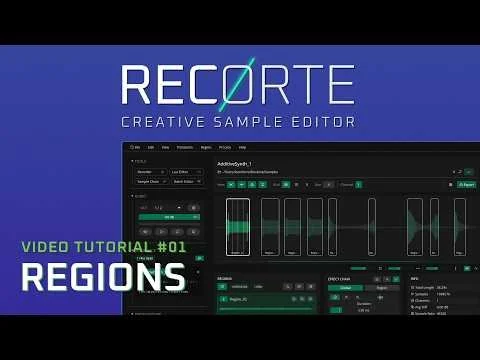
Video Demos
Screenshots
Use Cases
Record and edit samples from drum machines and synthesizers
Split multi-sample recordings into individual files
Extract loops from existing recordings or slice them by grid / transients
Trim one-shot samples to reduce file size for hardware with limited memory
Automatically sample external MIDI instruments
Prepare samples for DAWs, hardware samplers, game development, and content creation
Features
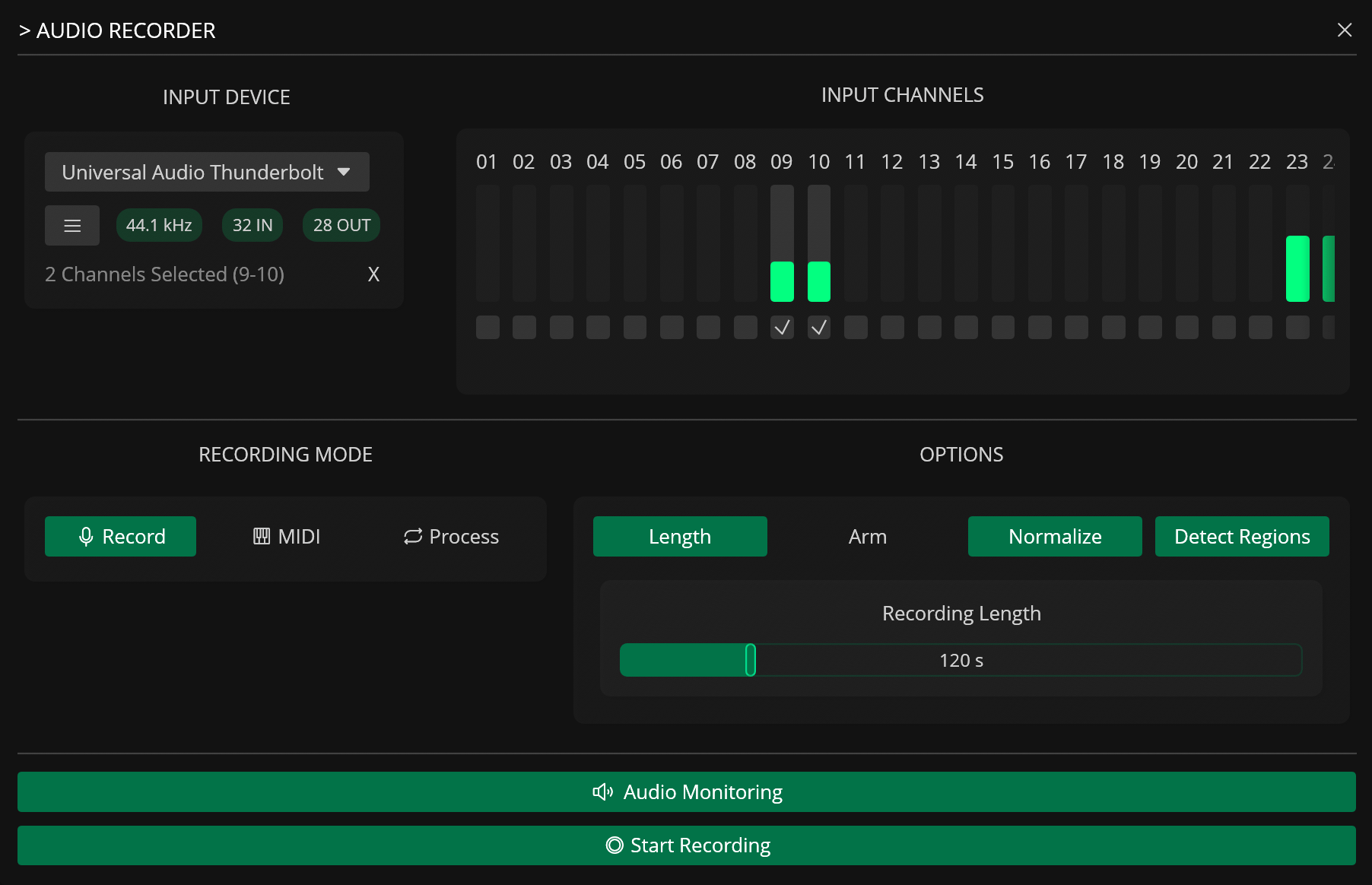
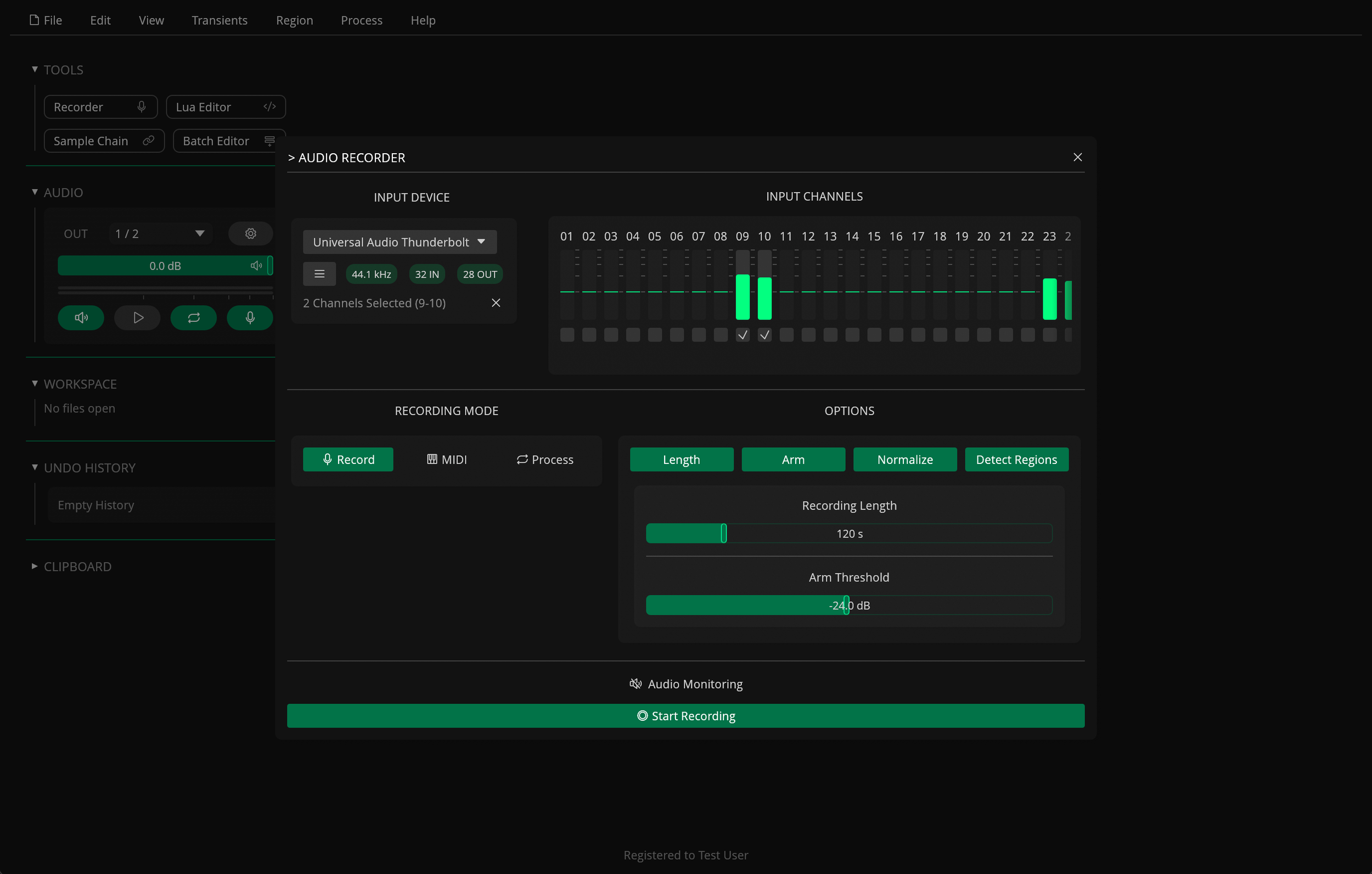
Audio recorder with multiple modes
Standard recording, automatic MIDI sampling of external instruments, Process mode for hardware effects, Arm mode with threshold detection, and adjustable recording length
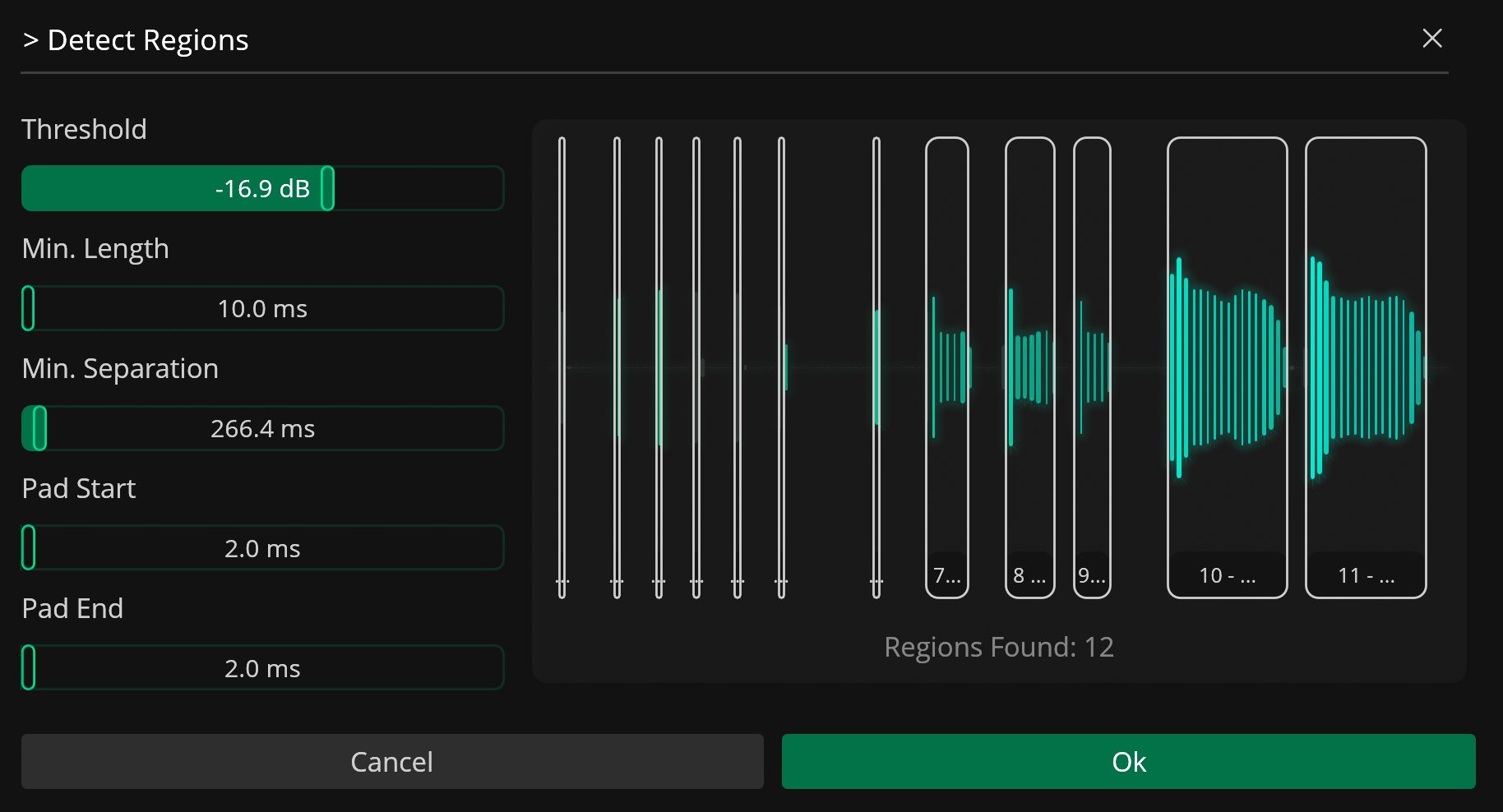
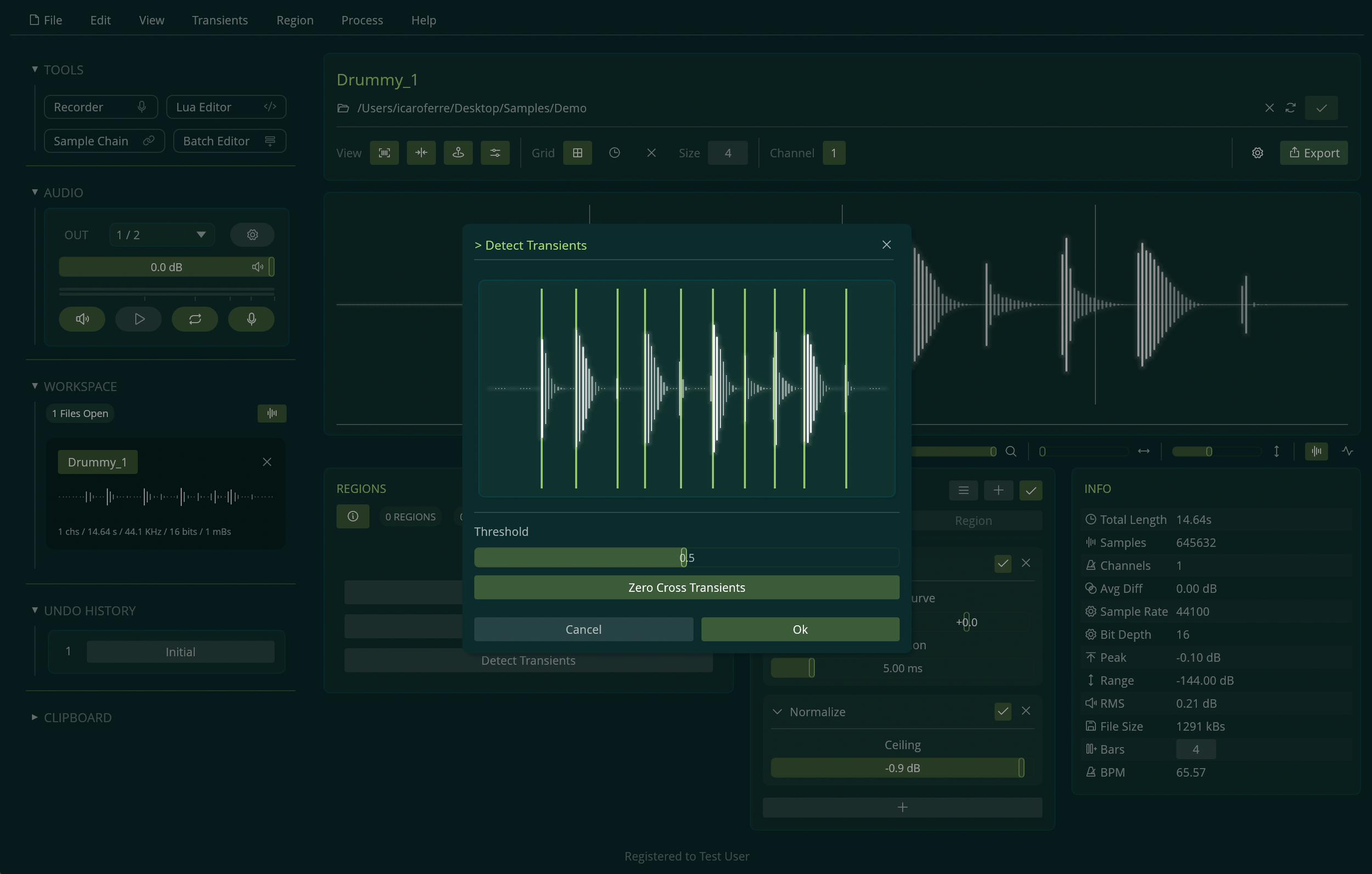
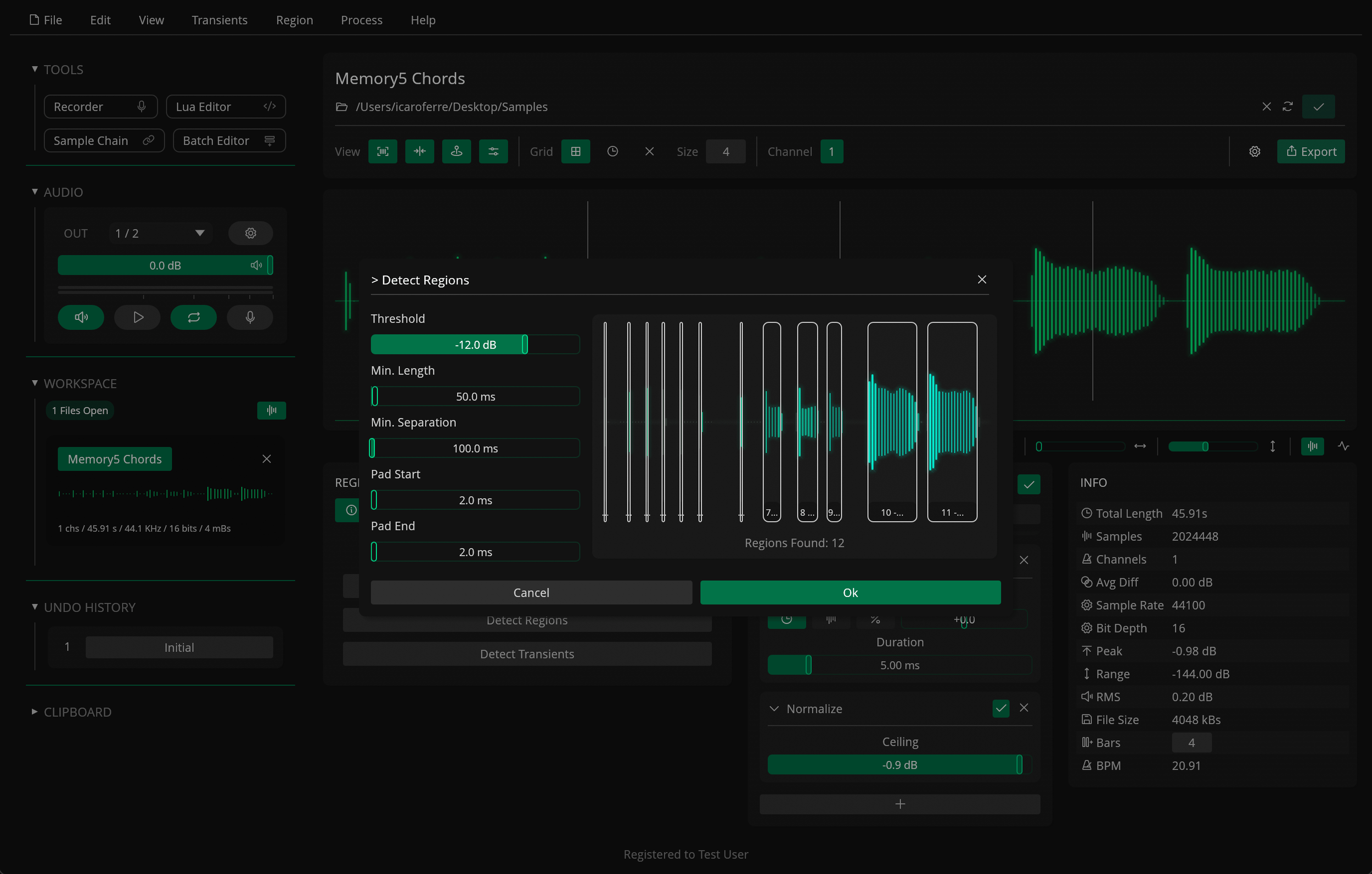
Automatic Region Detection
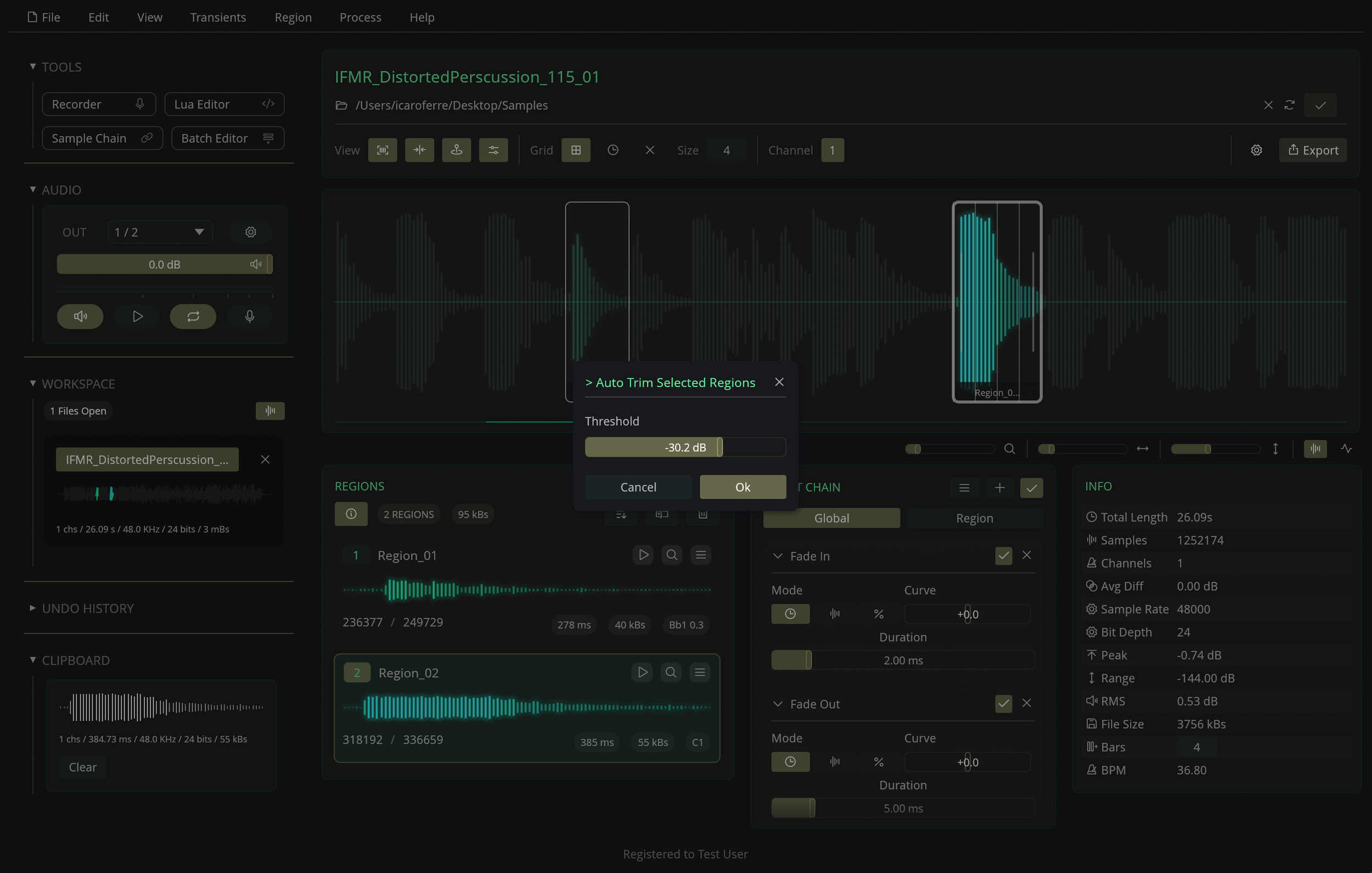
Create regions automatically based on volume, transients, and grid slicing
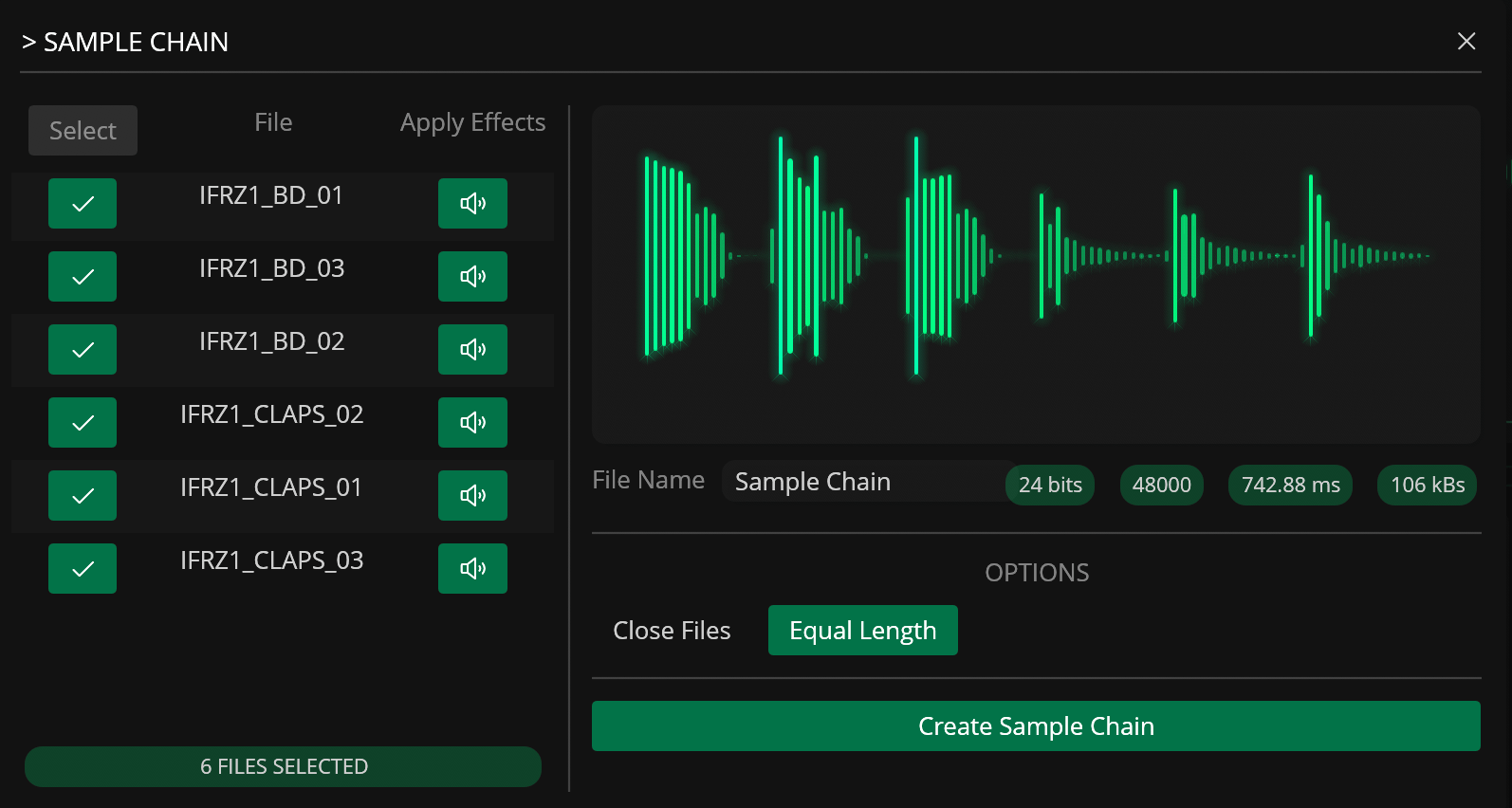
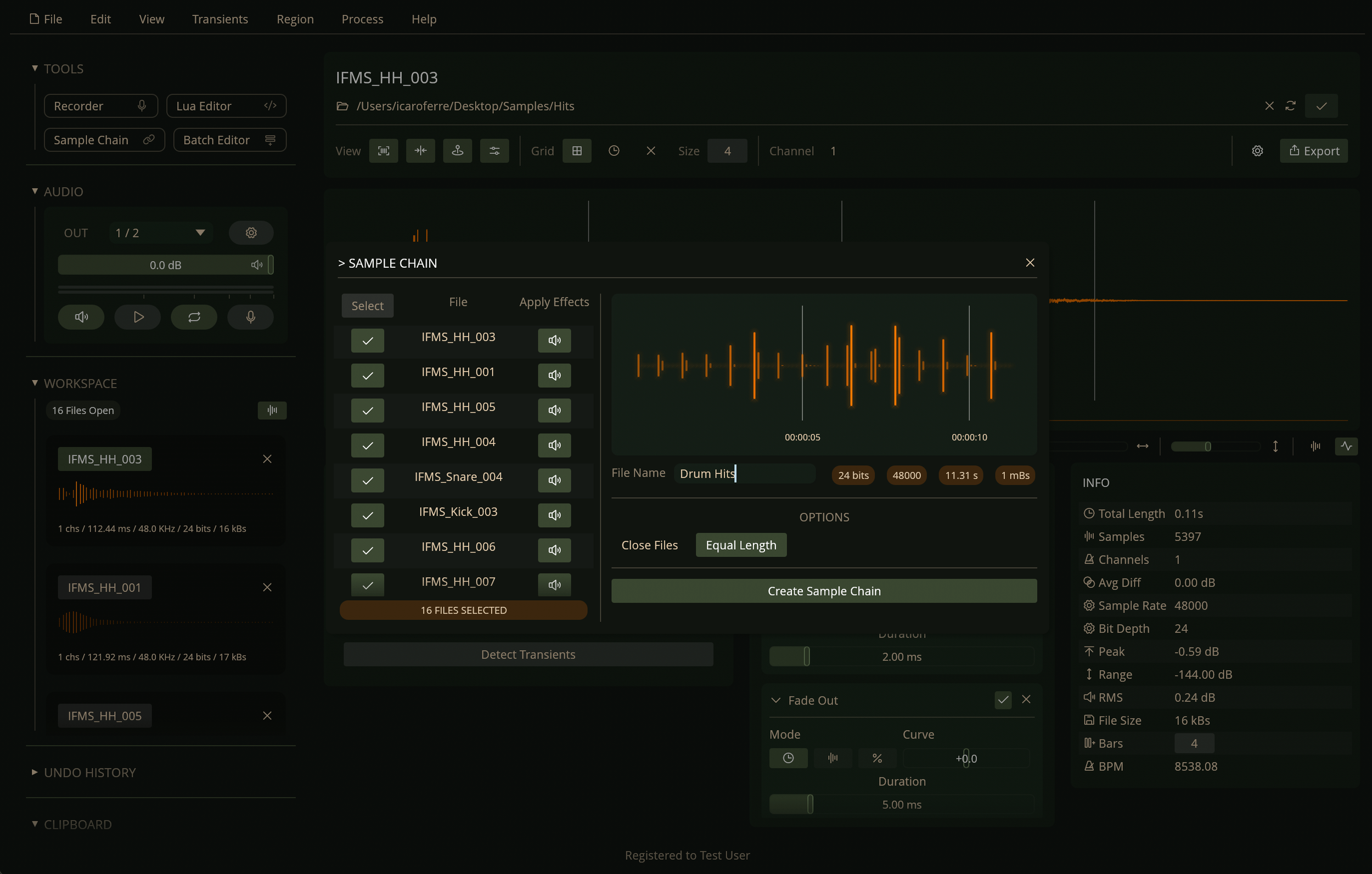
Sample Chain Generator
Combine and prepare samples for hardware samplers
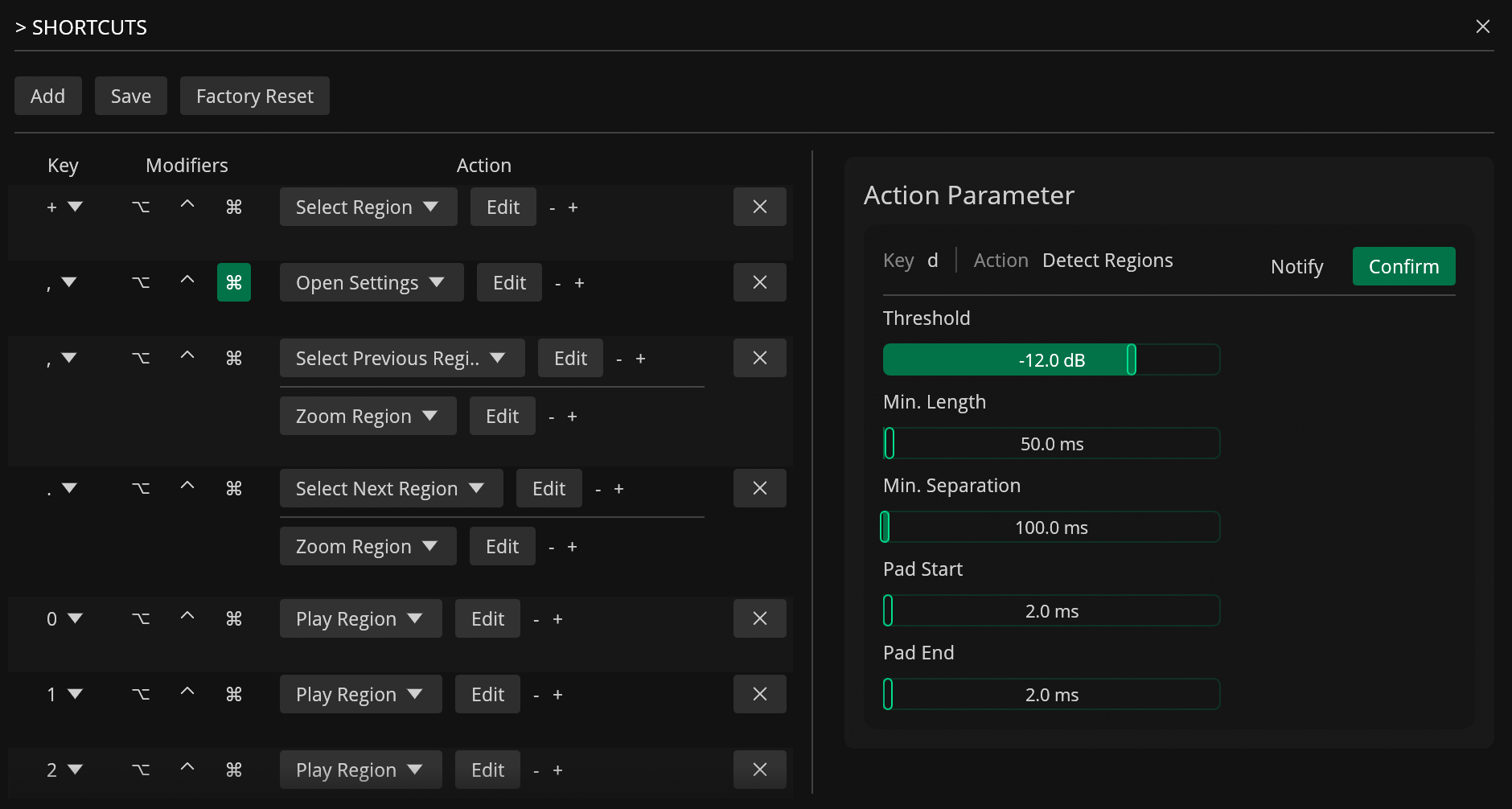
Advanced Keyboard Shortcuts
Chain multiple actions per key with custom parameters, stored as shareable JSON
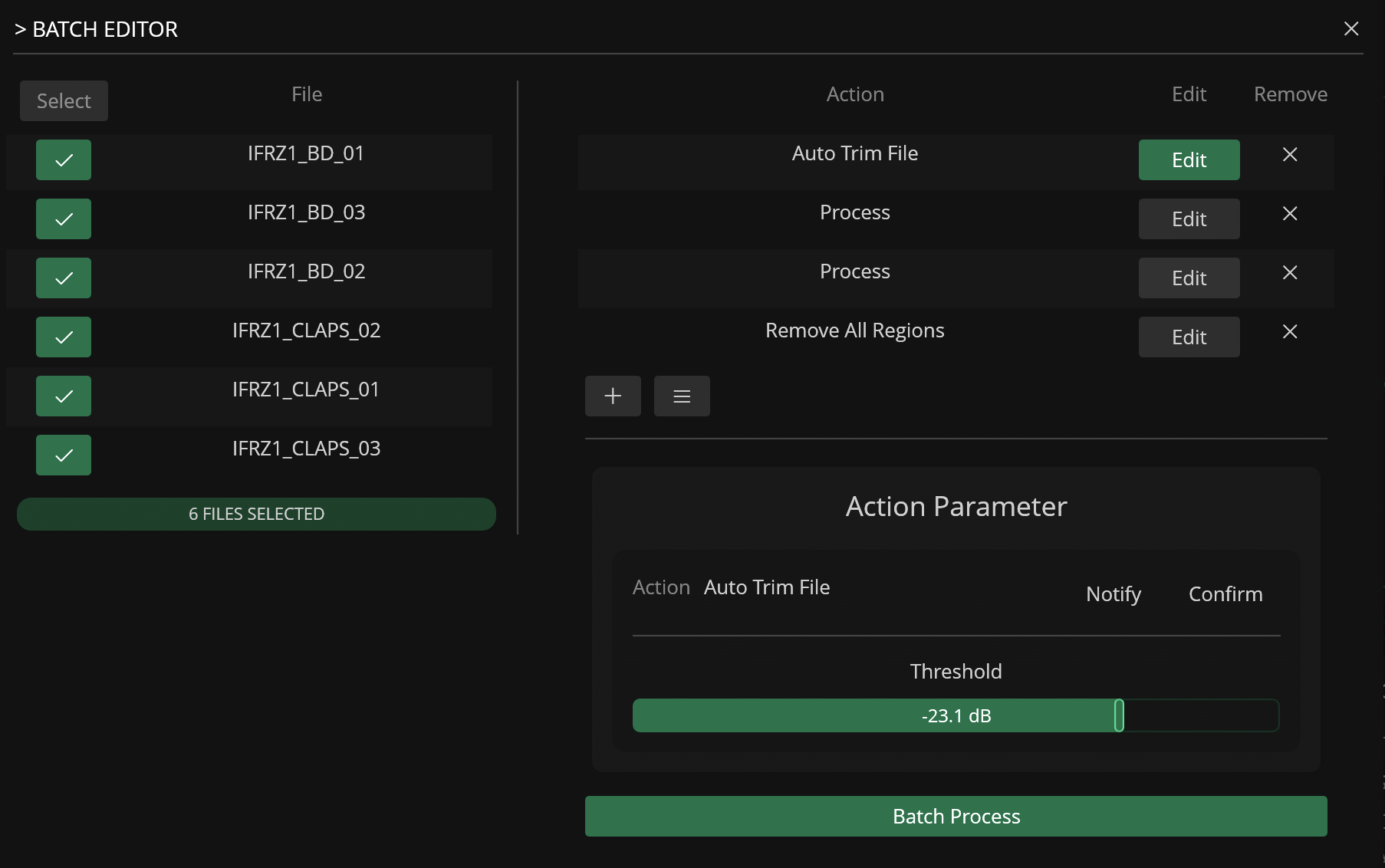
Batch Editor
Process multiple files at once with reusable action lists
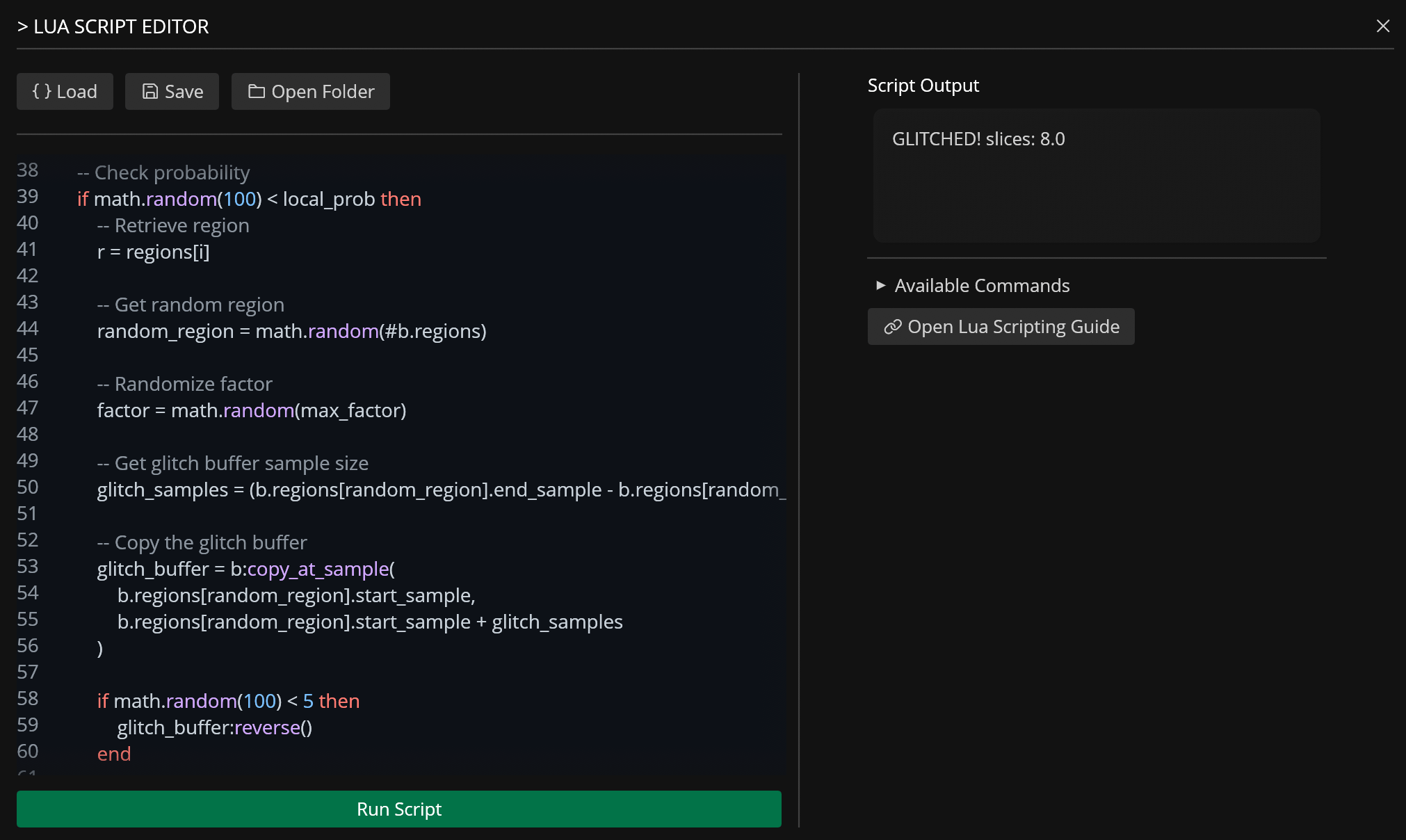
Lua Editor
Integrated Lua scripting for automation and direct sample manipulation
Standalone application for macOS, Windows and Linux *
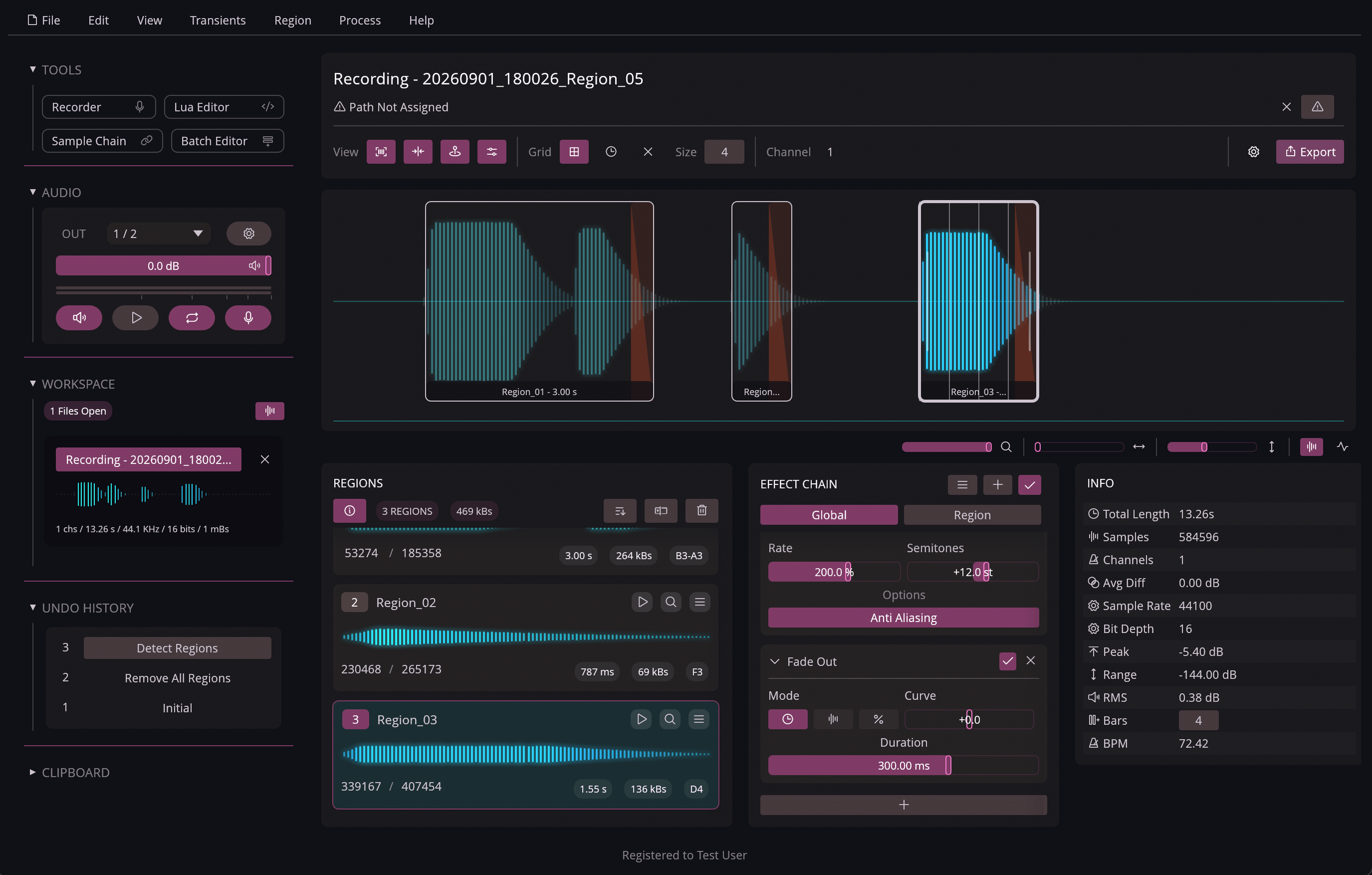
Region editing tools: Auto Trim, resize by time / size / factor, expand to transients or neighboring regions
Batch region renaming with template variables (region number, sample count, duration, detected pitch, etc.)
Integrated Pitch Detection
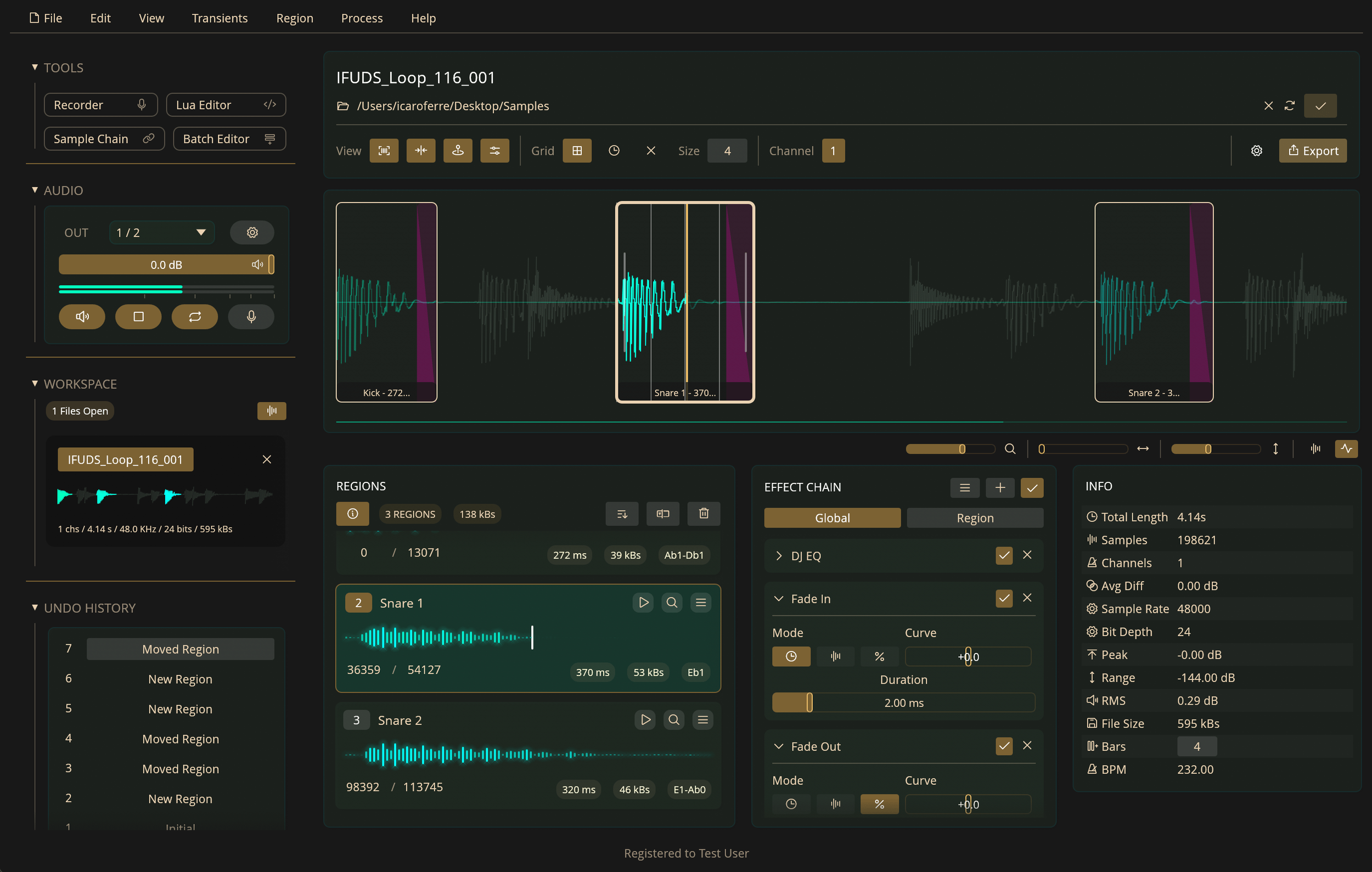
Info panel with file details (length, samples, peak, RMS, dynamic range, estimated BPM)
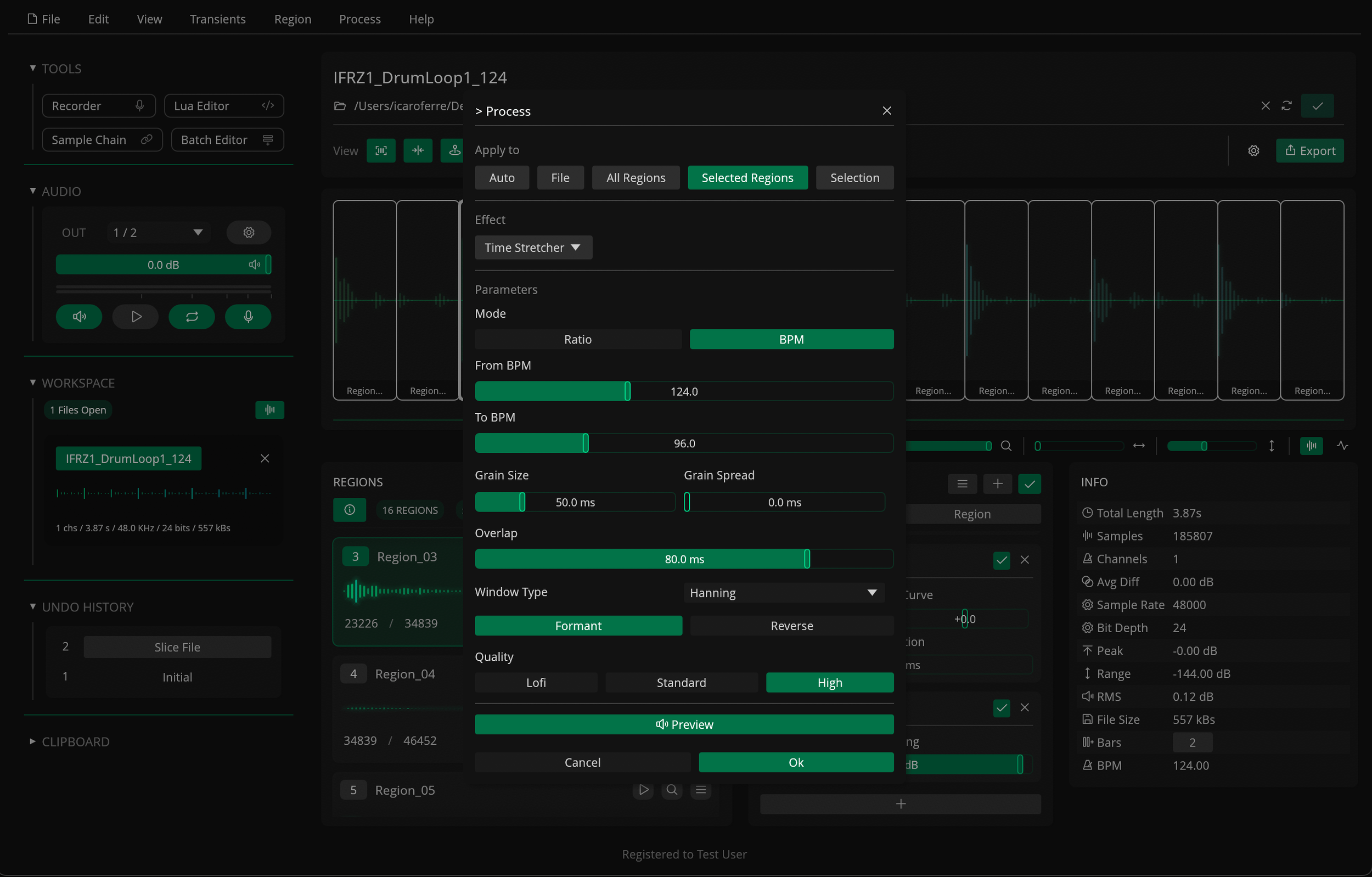
25+ built-in effects: Fades, Normalize, Compressor, EQs, Rate, Reverse, Granular, Spectral Gate, Time Stretcher, and more
Non-destructive Global and per-Region Effect Chains with preset support
Background audio processing
15+ themes plus a built-in Theme Editor
All presets, shortcuts, and themes stored as JSON files for easy sharing
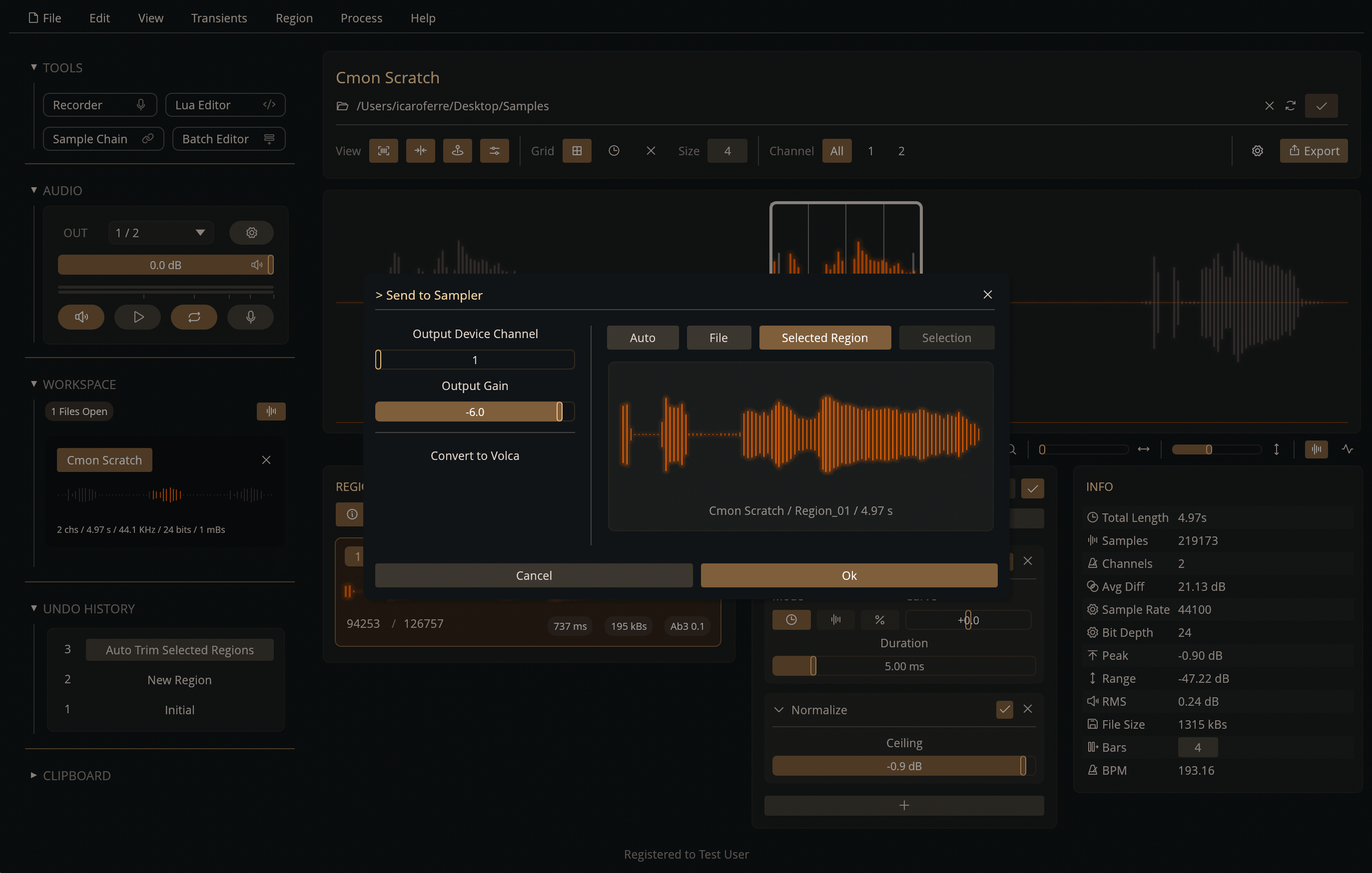
Send to Sampler via a dedicated output, with Korg Volca SDK support
Batch export with multiple sample rates and bit depths (WAV / AIFF)
MIDI Playback: play regions using a MIDI controller
Undo History
Responsive UI and low system resource usage**
Voiceover support via AccessKit
Multi-threaded Engine
Built in Rust
* Distributed as AppImage and tested on Linux Mint and Arch on Intel 64-bit processors
** Approx. 70 MB of RAM at idle and 1500+ FPS UI rendering on a mid-spec processor
Demo Version
The demo version lets you try out Recorte's core features with a few limitations: up to 4 files can be open at a time, and each file is limited to 4 regions. Audio recording, export, the Batch Editor, Sample Chain, Lua scripting, MIDI, custom shortcuts, and the Theme Editor are not available in the demo.
Download Links
Minimum Requirements
macOS: version 11 (Big Sur) or later. Separate installers are provided for Intel and Apple Silicon Macs, and the app is signed and notarized by Apple.
Windows: Windows 10 or Windows 11, installed via a standard executable installer.
Linux: Linux Mint or Arch Linux recommended. Recorte is distributed as an GPG-signed AppImage and comes with SHA-256 checksums.
4GB RAM: Recorte uses approximately 80MB of RAM at idle but usage may increase depending on audio files and undo history sizes
Internet connection is only required for license activation
Minimum resolution: 1280 x 720px